
Watch your Check-In camera on your Echo Show
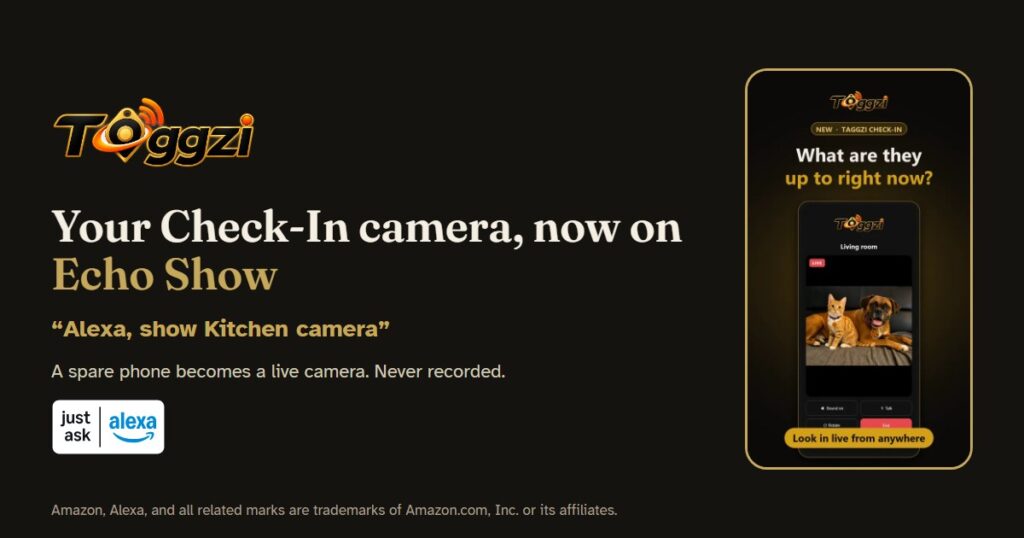
You can now watch a Taggzi Check-In camera on an Amazon Echo Show. Enable the Taggzi Check-In skill for Amazon Alexa, then say “Alexa, show” and your camera’s name, and the live picture appears on your Show.
What is Taggzi Check-In?
Taggzi Check-In turns a spare phone or tablet into a live camera you can look in on from anywhere: home, a caravan or the garage. Until now you looked in from the Taggzi app. Now you can look in from your Echo Show as well, without picking up your phone.
How do I set it up?
- In the Alexa app, enable the Taggzi Check-In skill.
- Sign in with your Taggzi account.
- Let Alexa discover devices. Each Check-In camera appears as a camera.
- Say “Alexa, show” and the camera’s name, for example “Alexa, show Kitchen camera”.
- Say “Alexa, stop” to end.
The camera phone must be on the Check-In camera screen (Standby is fine). If it is lying on its side, the picture is turned to fill the screen.
What does it cost?
The skill is free to enable, and the same limits apply as in the app. With Taggzi Pro, you get 10 minutes a look and 2 hours a day per camera. On the free plan, you get 5-second looks, 3 a day.
Is it private?
Nothing is recorded, and the camera phone always shows when someone is looking in. Amazon receives your camera names and whether each one is online, so Alexa can list them and show one when you ask. You can read the details in our privacy policy.
The Taggzi Check-In skill is available in the UK.
Amazon, Alexa, and all related marks are trademarks of Amazon.com, Inc. or its affiliates.